
An offline Chinese-English dictionary for iPhone
Look up Chinese words, keep useful vocabulary and return to it in practice. Laowai combines an offline dictionary with a reader and word-list study on iPhone and iPad.

Dictionary search stays free. Laowai Pro unlocks unlimited practice, unlimited widgets and Live Activities, and iCloud sync. Prices and subscription terms appear before purchase. Requires iOS or iPadOS 26 or later.
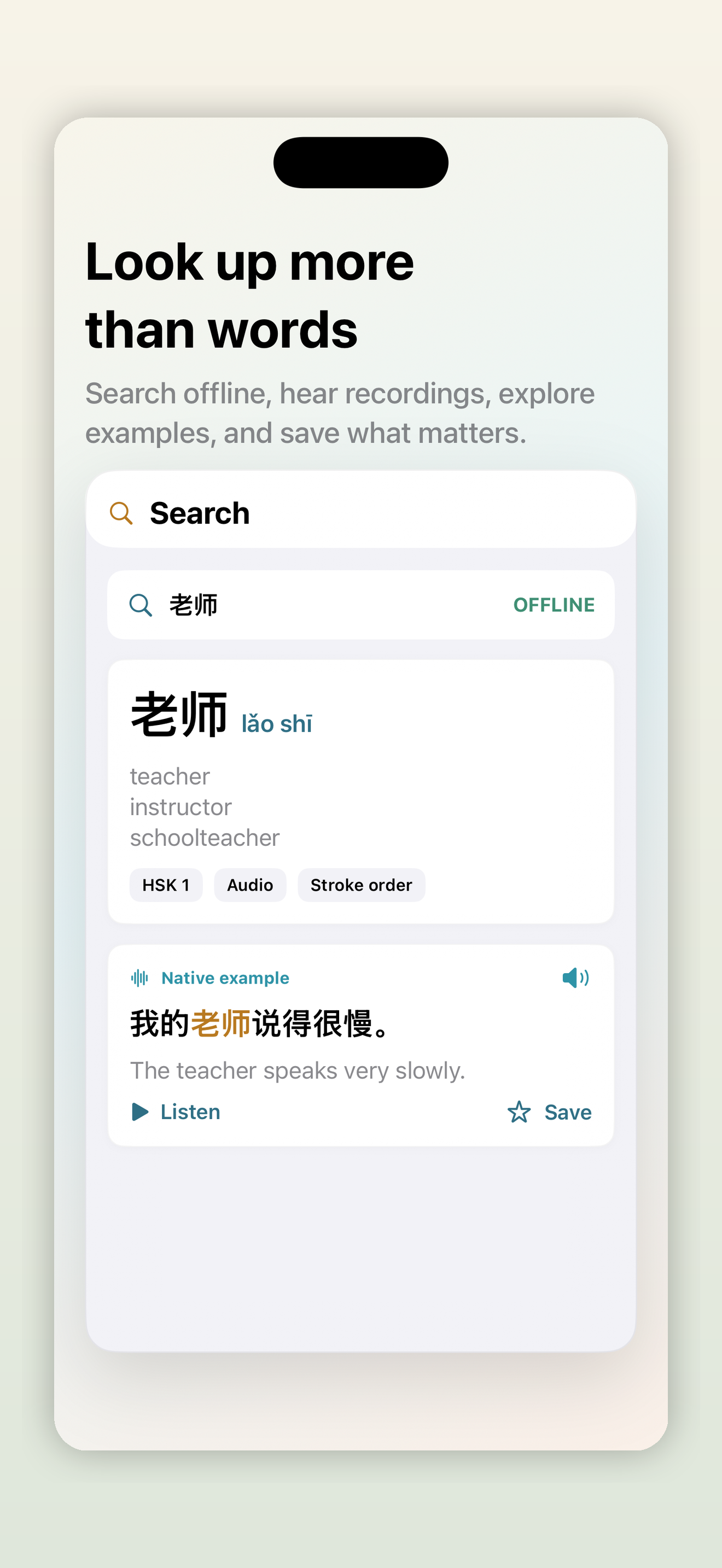
Start with one useful word
- Choose a word from a sentence you wrote or a text you are reading.
- Search Chinese characters, pinyin or an English meaning. Read the definitions and examples.
- Keep useful words in a list and revisit that list in practice.
- Return to your original text and try recognizing the word in context.
You can start with our original four-sentence activity. It includes the Chinese text, an English translation and a downloadable TXT file. Teachers can also open the student sheet and separate teacher notes (PDF).
Read without leaving the word behind
Import your own EPUB, TXT or FB2 file, then look up unfamiliar words in the reader. Keep the text in Library and save useful vocabulary for review.
What works offline?
Core dictionary search works offline after Laowai is installed. Cloud sync, shared links, support and some media require a connection.
Is the dictionary free?
Yes. Dictionary search stays free. Laowai Pro provides unlimited practice, unlimited widgets and Live Activities, and iCloud sync. Prices and subscription terms appear before purchase.
Can I search traditional characters or pinyin?
Yes. Search simplified or traditional Chinese characters, pinyin, English meanings or French meanings.
Which devices does Laowai support?
iPhone and iPad running iOS or iPadOS 26 or later.